
Why Drupal Development Services are getting easier to work with

Drupal development services cover the planning, building, integration, and ongoing support of websites on Drupal, and today that increasingly means component systems, visual editing with Drupal Canvas, and AI-assisted workflows.
Drupal has always been able to build almost anything. The catch was that you usually needed an experienced developer to make it happen. The flexibility came with a learning curve, a lot of configuration, and a long list of technical decisions. You got the power, and you hired for the complexity.
That trade-off is starting to look very different. In this blog, we shall discuss the current scenario of Drupal and how it is even simpler to work with it today.
Drupal made everything better
Drupal's core is as capable as it has ever been. What has changed is the layer between that core and the people who use it every day.
Pages can now be built visually. Reusable components have become the standard way to build. Drupal CMS gives new projects sensible defaults, recipes, and site templates. And AI has started to take on some of the repetitive work.
Together, these changes draw a clearer line between developing a site and running one. The complexity stays with the people equipped to handle it, and gets out of everyone else's way.
Drupal Canvas is changing how websites get built
Building a page in Drupal used to mean working through backend forms. Editors filled in fields and hit preview to see the result. If they needed a layout the site didn't support, it became a ticket in a developer's queue, and the campaign waited.
Drupal Canvas gives content and marketing teams a visual way to compose and edit pages themselves. Canvas 1.0 was released in December 2025 and has shipped by default with Drupal CMS since version 2.0 in January 2026. As of October 2026, more than 11,700 sites report using it, according to its Drupal.org project page. In practice, that means:
- Visual page building: editors build on a live view of the page, so there's no guessing how fields will turn into a layout.
- Drag-and-drop components: approved sections like banners, testimonials, and pricing tables drop into place and work.
- Live editing: text, images, and settings change directly on the page.
- Design consistency: components carry the design system, so spacing, typography and colors stay on brand.
The result is fewer developer requests for routine changes. The team that owns the content can own the page too.
Some people see Canvas as Drupal turning into a simple page builder. We think that gets it backwards. Canvas makes more of Drupal's power accessible, with structured content, permissions, and workflows still running underneath. On a recent healthcare website rebuild, it moved the content team from sending layout requests to building pages themselves.
Components solve the "blank canvas" problem
A visual editor is only as good as the building blocks inside it.
Without a component system, every new page can turn into a small development project. Similar sections get built again and again. A year later, the site has six versions of the same hero banner, and nobody knows which one is the standard.
Components move that work upstream. Developers build the blocks once, carefully, and content teams reuse them across the site.
Take a hero component. A developer might build it with:
- Defined fields for the headline, supporting text, image, and button
- Responsive behavior that works across every screen size
- Built-in accessibility, from correct heading levels to required alt text
- Controlled variants so editors can choose a layout or background within brand limits
From then on, the content team can use that hero on dozens of pages without asking for a new build each time.
Much of Specbee's recent Drupal work centers on component systems built with Single Directory Components (SDC) and Canvas. The code is rarely the hard part. The judgment is. Make the system too rigid, and editors find workarounds. Make it too loose, and you're back to six hero banners.
Drupal CMS is making the starting point easier
Canvas and components deal with the complexity of building pages. Drupal CMS deals with a different kind of complexity: getting started.
For years, a fresh Drupal install felt like being handed a very good toolbox. Drupal offers all the tools to build what you need. That works if you know exactly what you need, and less so if you just want a working site.
Drupal CMS takes a more opinionated approach. Its message is closer to: Here's a well-equipped starting point. Configure it around your needs. A few things make that possible:
- Recipes package the modules and configuration for a feature, like events or SEO tooling, so it can be added in one step.
- Site templates give projects a working foundation with content types, components, and design already in place.
- Sensible defaults reflect the decisions an experienced Drupal team would make on most projects anyway.
Some long-time developers grumble about opinionated defaults. We don't. Better defaults mean more of the budget goes into what makes each project different.
AI is taking repetitive work off the table
AI is another piece of the same story. Depending on how a site is set up, the Drupal AI ecosystem can help draft content, generate alt text, write metadata, tag and organize content, improve on-site search, and handle routine admin tasks. It's also starting to speed up parts of the development workflow.
Most of these are small jobs that quietly add up, like writing alt text for 200 images. AI isn't replacing Drupal expertise. It's reducing the repetitive work around it.
Developers still matter. They're solving more interesting problems.
We sell Drupal development services, so you might expect us to worry about all this. We don't. These tools change where developer time goes. They don't remove the need for it.
Developers should be spending their time on architecture, integrations, performance, security, scalability, design systems, custom functionality, and complex editorial workflows. That's where their expertise makes the biggest difference.
What they shouldn't be spending time on is building every landing page, making routine layout changes, recreating components that already exist, or fixing a typo in a banner. No developer we know enjoys that work, and no client should pay developer rates for it.
What this means for Drupal development services
For years, the main question in a Drupal engagement was: Can you build this feature?
That still matters. But a better question now sits alongside it: Can you build it in a way that makes the next 50 changes easier?
A site that launches well but needs a developer for every update is expensive to own. A site built on reusable components and clean architecture gets cheaper to run over time. So when you evaluate a Drupal partner, look past launch day and ask about:
| Evaluation area | What to look for | Why it matters |
|---|---|---|
| Architecture | A content model that will still fit your organization in three years | Avoids costly rebuilds as your needs grow |
| Reusable components | A component library your team can build with, instead of one-off templates | Each new page takes less effort than the last |
| Editorial experience | Editors can do daily work without filing tickets | Campaigns move at your team's pace |
| Performance, accessibility, and security | Built in from the start, not checked at the end | Fixing these after launch costs more and carries more risk |
| Integrations | Experience with the systems you already run | Your website works with your CRM, analytics, and other tools |
| Maintainability | Clean, documented code another developer can pick up easily | You're never locked into one team |
| Developer independence | Routine work stays with your team | Developer time goes to the problems that need it |
That last one is a fair test for any partner, including us. As a Drupal Certified Partner, Specbee builds with all of this in mind. The best compliment a client can give us is that they've stopped calling us for the small stuff.
So, is Drupal easier now?
Yes and no.
Enterprise websites are complex by nature, and Drupal is still built for that depth. But the experience of working with it is getting much easier. Editors can see what they're building, and developers start from a solid foundation.
That's the real distinction. Complex technology doesn't have to create a complicated user experience.
Final thoughts
Drupal's evolution is about making its power easier to use, not simplicity for its own sake.
Canvas gives teams more visual control. Components give them reusable building blocks. Drupal CMS gives them a better starting point. AI takes care of some of the repetitive work.
Drupal is still powerful. It's just getting easier to work with.
Planning a Drupal build? Our Drupal development services are built around making the next 50 changes easier.
Frequently Asked Questions
Is Drupal Canvas the same as Layout Builder?
Canvas is Drupal's newer visual page builder, previously called Experience Builder. In Layout Builder, editors arrange blocks through admin screens. In Canvas, they drag components onto a live view of the page and edit text and images in place. Both run on Drupal's structured content and permissions, so Canvas changes the editing experience while the content underneath stays the same.
Can marketers build landing pages in Drupal without a developer?
Yes, once a component library is in place. With Drupal Canvas, marketers put landing pages together from approved components like heroes, testimonials, and calls to action, then publish without filing a ticket. Developers still build and maintain those components. On a recent healthcare rebuild, we saw the content team move from sending layout requests to building pages themselves.
Can I add Drupal Canvas to my existing Drupal site?
Canvas is built for Drupal 11, so older sites need to upgrade first. For Drupal 7 sites, the migration is a good moment to plan a component system from the start. Components are usually the bigger job anyway. Canvas is only as useful as the building blocks inside it, so existing templates often need reworking into reusable components, typically using Single Directory Components (SDC).
Is Drupal still harder to use than WordPress?
For editors, the gap has narrowed a lot. Drupal Canvas brings visual, drag-and-drop page building. Drupal CMS comes with recipes, site templates, and sensible defaults. Drupal still asks more of developers during setup because it's built for complex content models, permissions, and integrations. That depth is why enterprises choose it, and editors no longer have to deal with it in their daily work.
Will AI reduce the cost of Drupal development?
AI cuts the cost of repetitive Drupal work, and the expertise still matters. The Drupal AI ecosystem can generate alt text, metadata, and content tags, draft copy, and handle routine admin tasks. That saves real hours on jobs like content migrations. Architecture, integrations, security, and performance still need experienced developers, and someone who knows Drupal has to set up and oversee the AI tools.
Last updated on October 6, 2026
About the author
Priyanka Phukan
Meet Priyanka, a Marketing Executive at Specbee. Priyanka’s a Grammar-Freak with a knack for creating impactful content with ‘words’ being her weapon of choice. A foodie who likes all things chicken. When not writing, she likes to play the Uke and sing. On blue days, you’ll find her binge-watching Asian dramas.

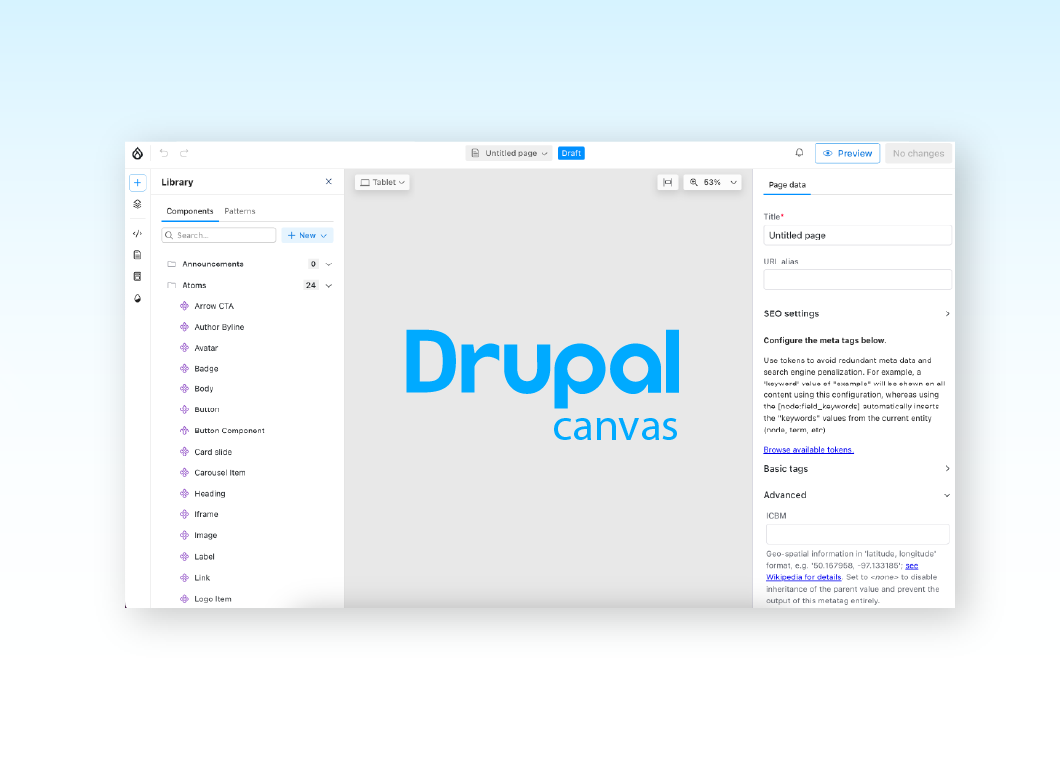
Getting started with Drupal Canvas: A frontend developer's first look
Wondering why Drupal needs another page builder? Here's what I learned installing Drupal Canvas, exposing my SDCs, and writing React right in the browser.
12 min read


Canvas Page Metatag Module: How to restore full SEO controls to Drupal Canvas pages
Drupal Canvas hides most Metatag fields behind one SEO title box. Check out how Canvas Page Metatag restores them and fixes a Robots checkbox bug.
11 min read

Specbee is now a Drupal AI Initiative Partner. What does it mean for your platform?
Specbee has joined the Drupal AI Initiative as a Certified Partner. See what Drupal AI initiative is about, how it's governed, and what it means for your enterprise site.
5 min read