
8 Critical considerations for a successful Drupal 7 to 10/11 migration

Are you still stuck in Drupal 7? If yes, you might be far behind in the game. Drupal 7 reached its end of life in January 2025, with no further community support. Your site is vulnerable to security updates, lagging in bug fixes, or updates for community modules.
This blog is your wakeup call that your Drupal 7 website is at risk, and without an update or migration to a newer version, it’s unlikely to meet modern web standards.
Migrating from Drupal 7 to Drupal 10 (or Drupal 11) isn’t a simple upgrade but a complete rebuild. With patience, planning, and precision, you can prepare for this big leap the right way. In this blog, I will highlight 8 of the most important things to keep in mind to ensure a smooth, efficient, and future-proof transition.
It’s not just an upgrade, it’s a rebuild
Transitioning from Drupal 7 to Drupal 10 is more complex than switching from Drupal 8 to Drupal 9 or Drupal 9 to Drupal 10. Drupal 8 came with a new architecture based on Symfony, Twig, and contemporary PHP techniques. This means that if you’re on D7, a simple upgrade won’t suffice.
The necessary option is to rebuild your entire site using Drupal 10 and migrate the configuration and content data.
Always audit your website first
Before you begin, run a thorough audit of your existing Drupal 7 website. Here’s a checklist that should help you not to miss out on any crucial points:
- Content types - if they’re all useful?
- Does your website have any redundant fields or unused vocabularies?
- Are all views & blocks still important?
- Are all your user roles & permissions in place?
- List down the custom code and modules that need revisions, and the ones that have Drupal 10 equivalents.
This step saves an ample amount of time, reducing unnecessary data migration and ensuring that you are all set for a new, clean, and optimized architecture.
Check out this blog for a comprehensive checklist you need for a Drupal site audit.
Module compatibility issues
Most Drupal 7 modules have evolved, merged into core, or been deprecated in Drupal 10. Before migration, analyze the D7 modules if they’re:
- Available in Drupal 10 (and are stable)
- Replaced by core functionality, such as Views & CKEditor, which are available in core
- No longer needed or deprecated
Use the Upgrade Status module to scan your Drupal 7 website, identify the compatibility of the existing modules, and find out which ones need replacing. You now have a clear technical roadmap.
Decide on your migration approach
Drupal offers different ways to migrate data, depending on the site’s complexity:
- Core Migrate Modules: These handle content, users, and taxonomy migrations.
- Migrate Plus, Migrate Tools, and Migrate Upgrade: These contributed modules extend the core system, adding advanced mapping and UI support.
If your data structure is complex, you might need to write custom migration plugins. Drupal’s migration system is flexible, but it rewards careful planning. Read this blog that answers many of your questions on a Drupal 7 to Drupal 10 migration.
Use Theme Migration for a complete redesign
Theming has evolved significantly. Drupal 10 now uses Twig templates, a cleaner solution than PHP templates. So, the outdated .tpl.php files are no longer functional.
If you want to redesign your website, here are some modern Drupal 10 front-end tools you can use:
- Bootstrap 5 or Claro/Olivero base themes
- SCSS preprocessing for cleaner styling
- Component-based theming using libraries or Pattern Lab.
This approach improves UX, accessibility, and your site performance.
Correct configuration migration
When I say that migration from Drupal 7 to Drupal 10 is not a minor upgrade, I mean that Drupal 10’s configuration management system is entirely different. You’ll need to recreate your site’s configuration within this new system rather than migrate it directly.
The best method:
- When feasible, manually recreate configurations
- Migrations should be used more for content than configuration
An important benefit for long-term maintainability is the ease with which configuration changes can be exported and deployed between environments.
Testing & validation
Testing is a non-negotiable step of a successful transition. Test your existing site thoroughly across all environments:
- Verify that the migration of all nodes, users, and files is performed correctly.
- Verify the URL redirects and alias patterns.
- Validate taxonomy and reference fields.
- Check images and media attachments for broken links.
Automated tests and manual QA are both essential. Once everything is confirmed, do a final migration to sync any new content created since your first test run.
Security & maintenance
Drupal 10 and 11 are based on Symfony 6/7, along with modern PHP + standards. That means your platform now depends on a broader ecosystem of third-party libraries managed through Composer. Updates are no longer optional or occasional; they’re continuous and structured. Make sure you:
- Plan for regular Composer-based core and module updates
- Monitor Drupal security advisories and apply patches promptly
- Keep your PHP version aligned with Drupal’s supported requirements
- Establish a staging workflow to test updates before production deployment
The shift from Drupal 7 to Drupal 10/11 is also a shift from reactive maintenance to proactive lifecycle management. If you build the right update process from day one, future upgrades become incremental rather than disruptive.
Final thoughts
Moving from Drupal 7 to Drupal 10/11 seems complex, but it’s a growth opportunity. Migrating to D10/11 means rebuilding your site into a more secure, maintainable, and future-proof platform. This upgrade ensures cleaner data, a modern design, and improved performance while laying the foundation for smoother updates in the future.
You can simplify outdated content systems, editorial processes, connect APIs, and implement the best modern accessibility and SEO practices.
With Drupal 10 and 11, you’re not only staying on track with technology, but you are also moving towards a flexible and enterprise-ready CMS for a digital future.
Not sure where to get started? Talk to our experts at Specbee, and we’ll guide you through the entire migration process.
Last updated on July 31, 2026
About the author
Shruthi Rao
Meet Shruthi Rao, a Trainee Software Engineer at Specbee, who has a creative flair and a passion for painting. When she’s not coding, you’ll often find her experimenting with new food recipes or dreaming about traveling to Dubai. A firm believer in efficiency, she admits that slow eaters are her ultimate pet peeve. Shruthi brings a vibrant mix of tech curiosity and artistic enthusiasm to everything she does.

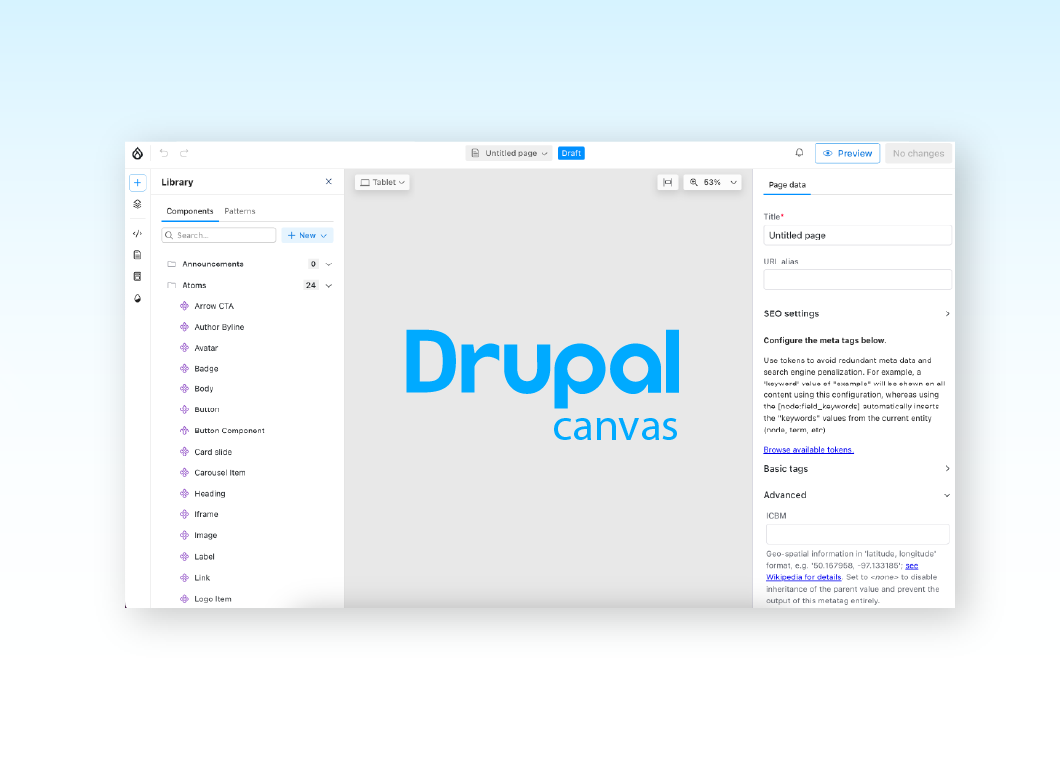
Getting started with Drupal Canvas: A frontend developer's first look
Wondering why Drupal needs another page builder? Here's what I learned installing Drupal Canvas, exposing my SDCs, and writing React right in the browser.
12 min read

Canvas Page Metatag Module: How to restore full SEO controls to Drupal Canvas pages
Drupal Canvas hides most Metatag fields behind one SEO title box. Check out how Canvas Page Metatag restores them and fixes a Robots checkbox bug.
11 min read

Specbee is now a Drupal AI Initiative Partner. What does it mean for your platform?
Specbee has joined the Drupal AI Initiative as a Certified Partner. See what Drupal AI initiative is about, how it's governed, and what it means for your enterprise site.
5 min read